- Most people: Ledger Nano X or Ledger Flex if mobile support and broad asset coverage matter.
- Open-source preference: Trezor Safe 3 for value, Safe 5 or Safe 7 for larger-screen workflows.
- Bitcoin-only storage: Coldcard or Blockstream Jade if altcoin support is intentionally unnecessary.
- Large balances: hardware wallet plus passphrase discipline or multisig, not a single device alone.
1. Why Cold Storage Still Matters
A hardware wallet does not store coins. It stores the private keys that authorize blockchain transactions. That matters because exchange accounts, hot wallets, browser extensions, and DeFi approvals expose users to different failure modes: platform insolvency, phishing, compromised devices, and malicious contracts.
Chainalysis estimated that crypto scams and fraud stole about $17 billion in 2025, with impersonation and AI-enabled scams rising sharply. A hardware wallet will not stop every scam, but it can keep the signing key off your internet-connected phone or computer.
Hardware wallets reduce key-theft risk, not user-error risk
You can still lose funds by approving a malicious transaction, exposing the seed phrase, installing fake wallet software, using a tampered device, or sending funds to the wrong address. Treat the hardware wallet as one layer in a custody system.
2. Hardware Wallet Comparison
The right device depends on what you actually do on-chain. A long-term Bitcoin holder, a Solana/NFT user, and a multisig treasury operator should not all optimize for the same hardware.
| Wallet | Best for | Strengths | Tradeoff |
|---|---|---|---|
| Ledger Nano X | Mobile users and broad asset support | Secure Element, Bluetooth, iOS/Android support, wide token coverage | Closed-source OS and smaller non-touch display |
| Ledger Flex / Stax / Nano Gen5 | Frequent signing and clearer transaction review | Larger secure E Ink screens, Clear Signing support, newer UX | Higher price and still within Ledger's closed OS model |
| Trezor Safe 3 | Open-source buyers on a midrange budget | Open-source design, EAL6+ Secure Element, PIN/passphrase support | No wireless convenience; smaller monochrome screen |
| Trezor Safe 5 / Safe 7 | Open-source users who want larger screens | Touchscreen models, open design, Safe 7 adds dual Secure Elements | Safe 7 is newer, so independent field history is shorter |
| Tangem Wallet / Ring / Pay | Card and wearable users who hate seed phrases | NFC card/ring form factor, EAL6+ Secure Element, multi-card physical backup, seedless setup option, Visa payments integration | Dependent on smartphone NFC; lacks on-device screen for address verification |
| Coldcard / Blockstream Jade | Bitcoin-only storage | Focused attack surface, strong Bitcoin workflows, air-gapped options | Not appropriate for broad altcoin or DeFi portfolios |
| BitBox02 / Keystone | Users who want alternatives to Ledger and Trezor | Different security models, backup workflows, and signing UX | Smaller ecosystems and fewer mainstream tutorials |
3. Ledger vs Trezor vs Tangem in Plain English
Ledger, Trezor, and Tangem are all credible choices, but their philosophies differ. Ledger emphasizes a Secure Element, Ledger OS, a secure screen model, broad asset support, and newer secure touchscreen devices. Ledger says the Nano X uses an EAL5+ Secure Element, while Nano S Plus, Stax, and other newer devices use EAL6+ class chips.
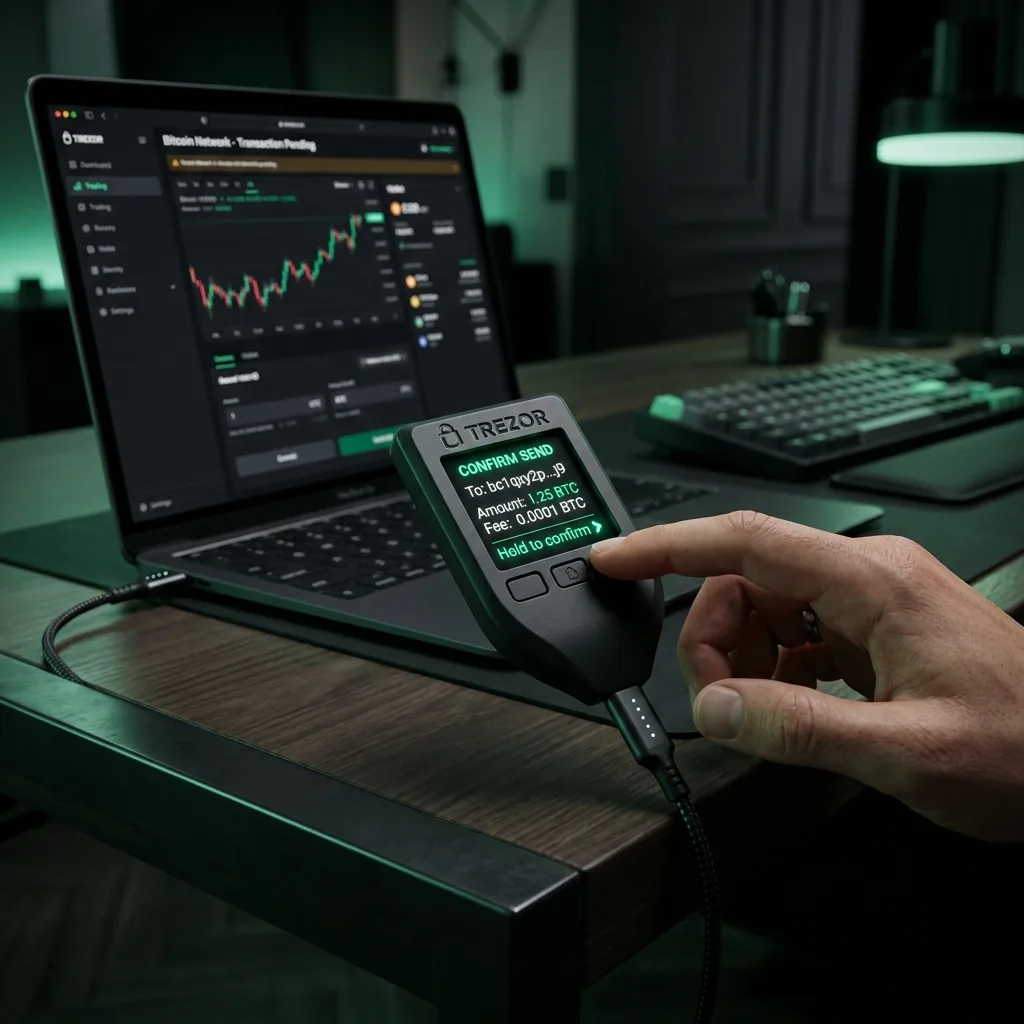
Trezor emphasizes open-source design and public review. Trezor Safe 3 and Safe 5 use an EAL6+ Secure Element for physical protection, while Trezor Safe 7 adds a second, open auditable Secure Element called TROPIC01. If you value transparency over closed secure hardware, this matters.
Tangem rejects the traditional USB/Bluetooth form factor and recovery seed cards entirely. It uses NFC-enabled cards (or rings) with an EAL6+ secure element. Instead of writing down a 12- or 24-word seed phrase, you back up the private key onto 2 or 3 physical cards (though optional seed generation is now supported). This reduces key exposure via paper theft but introduces reliance on NFC-enabled devices.
A fair recommendation is not "Ledger is safer," "Trezor is safer," or "Tangem is safer." It is this: Ledger generally wins on mainstream asset coverage and mobile convenience; Trezor generally wins on open-source trust and privacy-oriented workflows; Tangem wins on durability, physical backup ease, and ultra-portable wearables (Ring) or Visa spending integration (Pay). For Bitcoin-only custody, a dedicated Bitcoin wallet can beat all three by reducing the asset and app surface.
4. What To Check Before Buying
Google product review guidance asks reviewers to show decision factors, tradeoffs, and evidence rather than only ranking products. For hardware wallets, the most important factors are signing clarity, supply-chain controls, firmware model, supported assets, backup options, and recovery workflow.
- Screen and signing clarity: larger secure screens reduce address and contract-review mistakes.
- Firmware model: open-source firmware improves public review; closed systems can still be strong when audited and well isolated.
- Secure Element: useful for physical theft resistance, PIN enforcement, randomness, and authenticity checks.
- Asset support: check the exact chain and wallet app you plan to use before buying.
- Backup standard: understand 12-, 20-, and 24-word seed options, Shamir/multishare backups, and passphrase behavior.
- Reseller risk: manufacturer stores and authorized resellers are safer than anonymous marketplace listings.
5. Setup Checklist
- Buy from the manufacturer or a verified authorized reseller, then run the device authenticity check.
- Generate the recovery phrase on the hardware wallet screen only. Never accept a pre-written seed card.
- Store the seed phrase offline, ideally on paper or metal, and never photograph it.
- Use a passphrase only if you understand the recovery risk; losing it can make funds unrecoverable.
- Test recovery with a small balance before moving meaningful funds.
- For large balances, consider multisig or splitting treasury controls across more than one device.
6. When Not To Use a Hardware Wallet Alone
A single hardware wallet is not enough for every situation. If you hold a business treasury, shared DAO funds, or a portfolio that would materially damage your finances if lost, use multisig or a documented recovery plan. If you trade daily, keep only a working balance in hot wallets and move reserves to cold storage.
For DeFi users, revoke unused token approvals, separate minting/trading wallets from long-term vault wallets, and avoid signing transactions you cannot interpret. "Blind signing" is a workflow risk, not merely a device-brand problem.
Sources and Methodology
This page was updated on May 11, 2026. Rankings are based on custody model, signing clarity, secure hardware claims, transparency, asset support, backup workflow, and practical user fit. TokenRadar may earn commissions from Ledger and Trezor links, but affiliate availability did not determine which alternatives were discussed.